Your free CS2 loadout studio
Build the set.
Export the scene.
Your agent. Your favourite finish. Every detail together.
Build a complete character and take it into your next 3D project.
Windows 10 / 11 Completely free 0.7.39
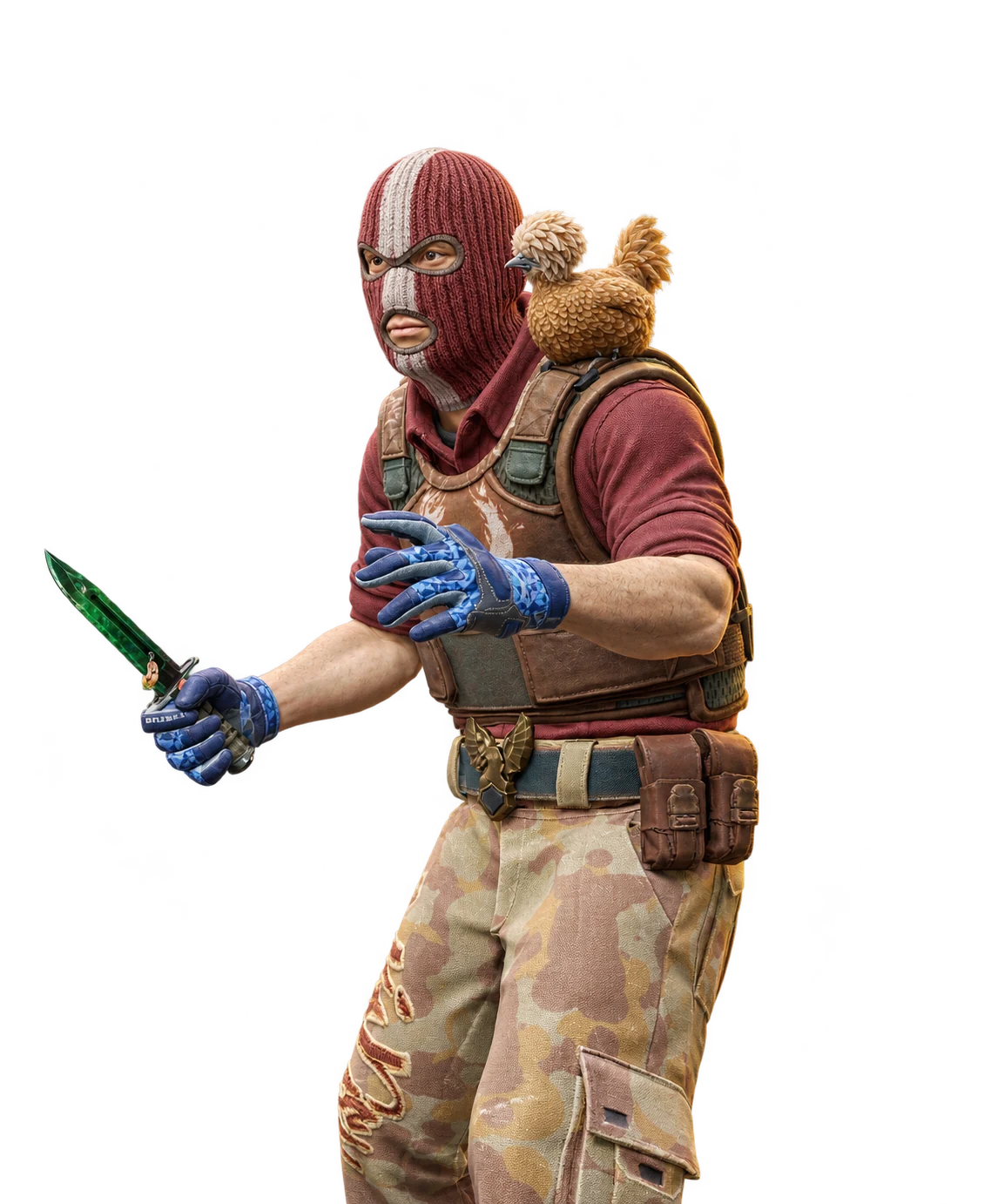
For your next render, artwork or animation.
Build in your browser. Export from Windows.
Start without installing anything. When your set is ready, open it in SeeSource for Windows to export.
Start with an agent.
Make every detail count.
Choose an agent, match a finish, add your favourite gloves. Keep every piece together in one saved loadout.

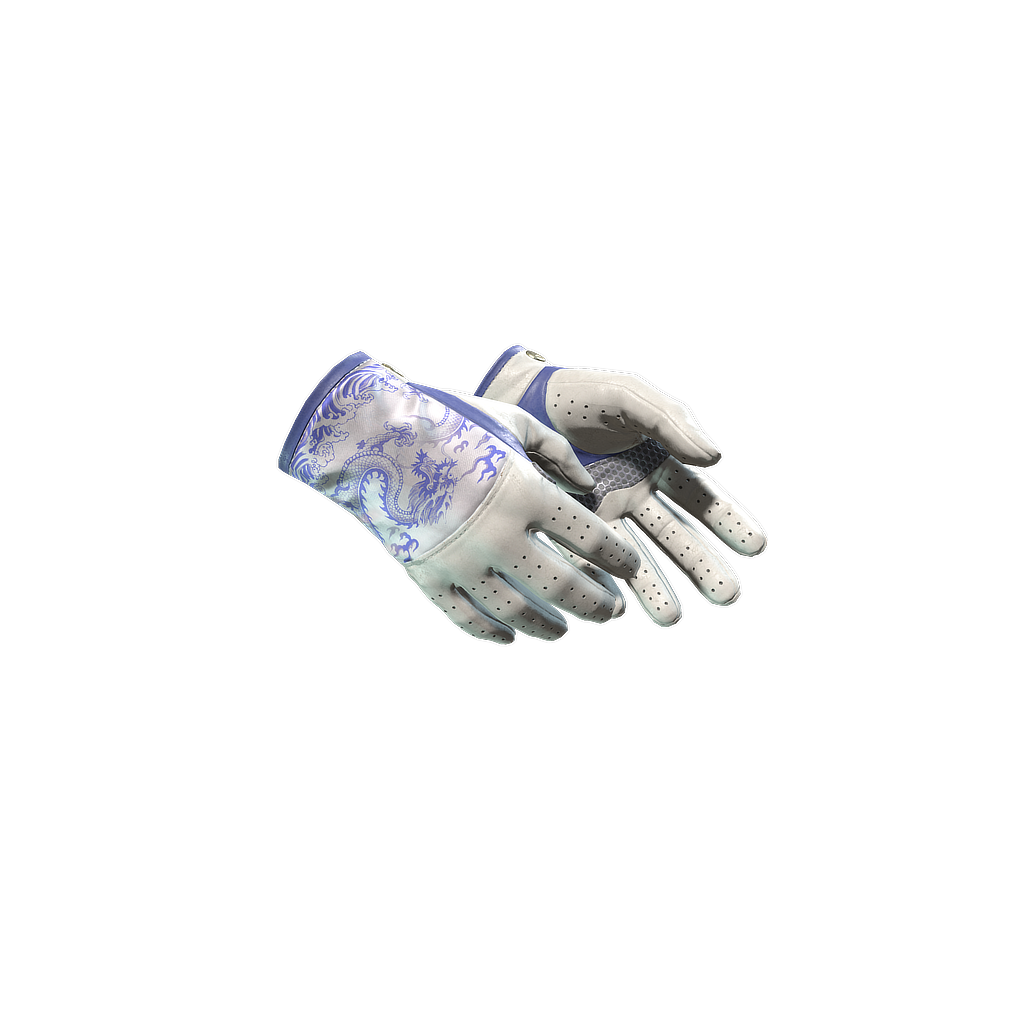

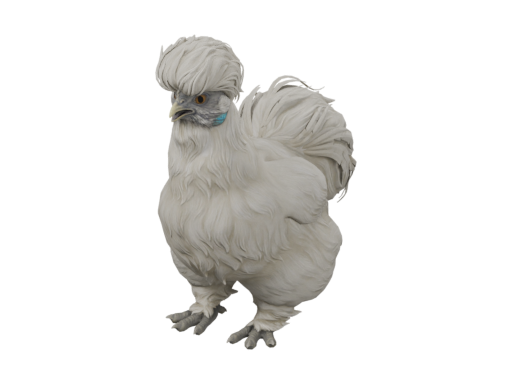
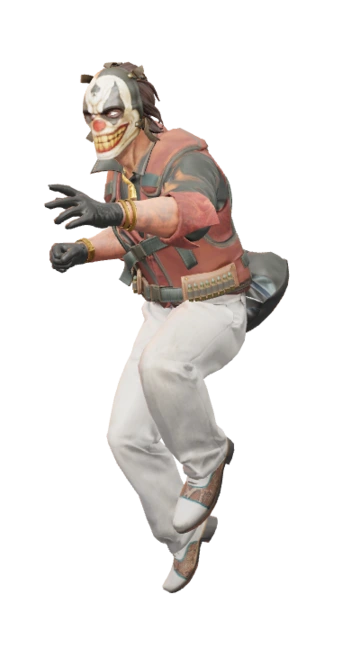
Give your set
some life.
Play real game animations. Pause on the perfect frame. Turn the camera until the shot feels right.
Keep it as an image, or bring the whole performance into your editor.
One set.
One export.
All together.
Save it in Favorites. Choose a format. Your character, equipment and animation arrive as one scene, ready for your next project.
Get SeeSourceand your favourite 3D editor.
A single compact file with the scene, materials and textures embedded.
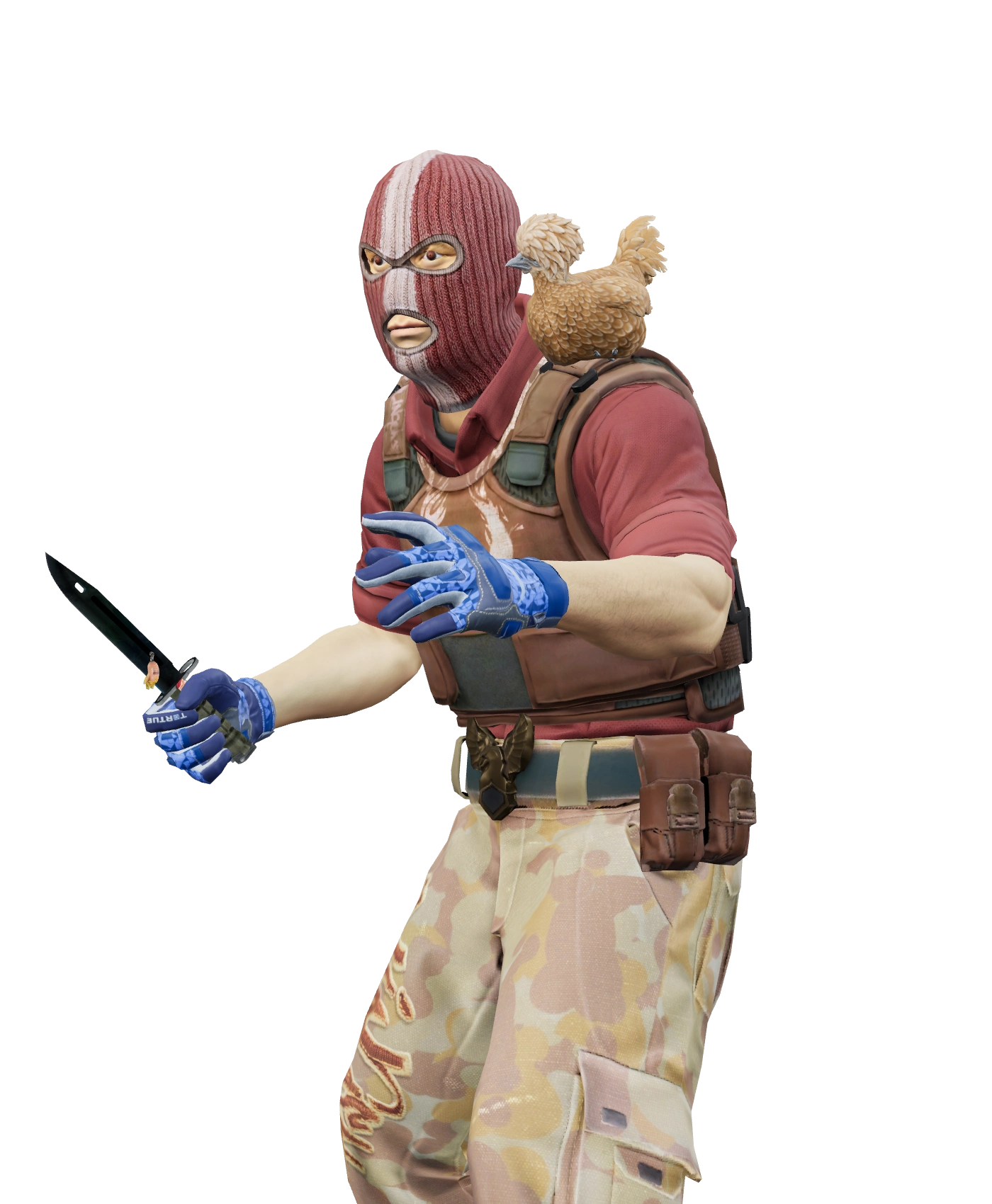
- Agent + selected animation
- Weapon + gloves + accessories
- Animated shoulder pet
- Materials + textures
A few answers
before you start.
Is everything free?
Yes. Building loadouts, saving Favorites, previewing animations and exporting models are all included. There is no paid plan.
Do I need to own the skins?
No. Choose items from the catalog to create a visual loadout. SeeSource does not add items to your Steam inventory.
Do I need CS2 installed?
No. Load models from the SeeSource server, or choose your local CS2 files. You do not need to launch the game. Previously downloaded items remain available offline.
What comes with an export?
Your loadout, materials, textures and selected animation, with baked motion for attached pets and charms. Export from the Windows app: GLB and glTF work without extra software; FBX and DAE need a compatible installed Blender, with COLLADA support for DAE. Cinema 4D, Blender and 3ds Max material profiles help prepare the scene for your editor. Renderer support depends on the installed version and plugins.
Which computers can run SeeSource?
Windows 10 or Windows 11, 64-bit, with Microsoft Edge WebView2. Use the installer for a normal setup or download the portable version.

Your character.
Your next creation.
Build a loadout. Save it. Take it into your 3D editor.